Dear Colony Managers
It’s been a while since our last update, but we’ve taken the time to implement a seemingly endless list of improvement requests that we’ve received in reviews, on the forum, and via email. Take a look—your suggestion has probably been implemented by now. This is likely the last update for “Imagine Earth” before the final release of the next “Transformation” DLC !..
Build Your Own Missions
There’s one question we’ve heard over and over for years: Can’t I build a proper mission on my sandbox planet too, with a story, objectives, and radio transmissions from Alia?
That’s Why There’s Now a Mission Editor
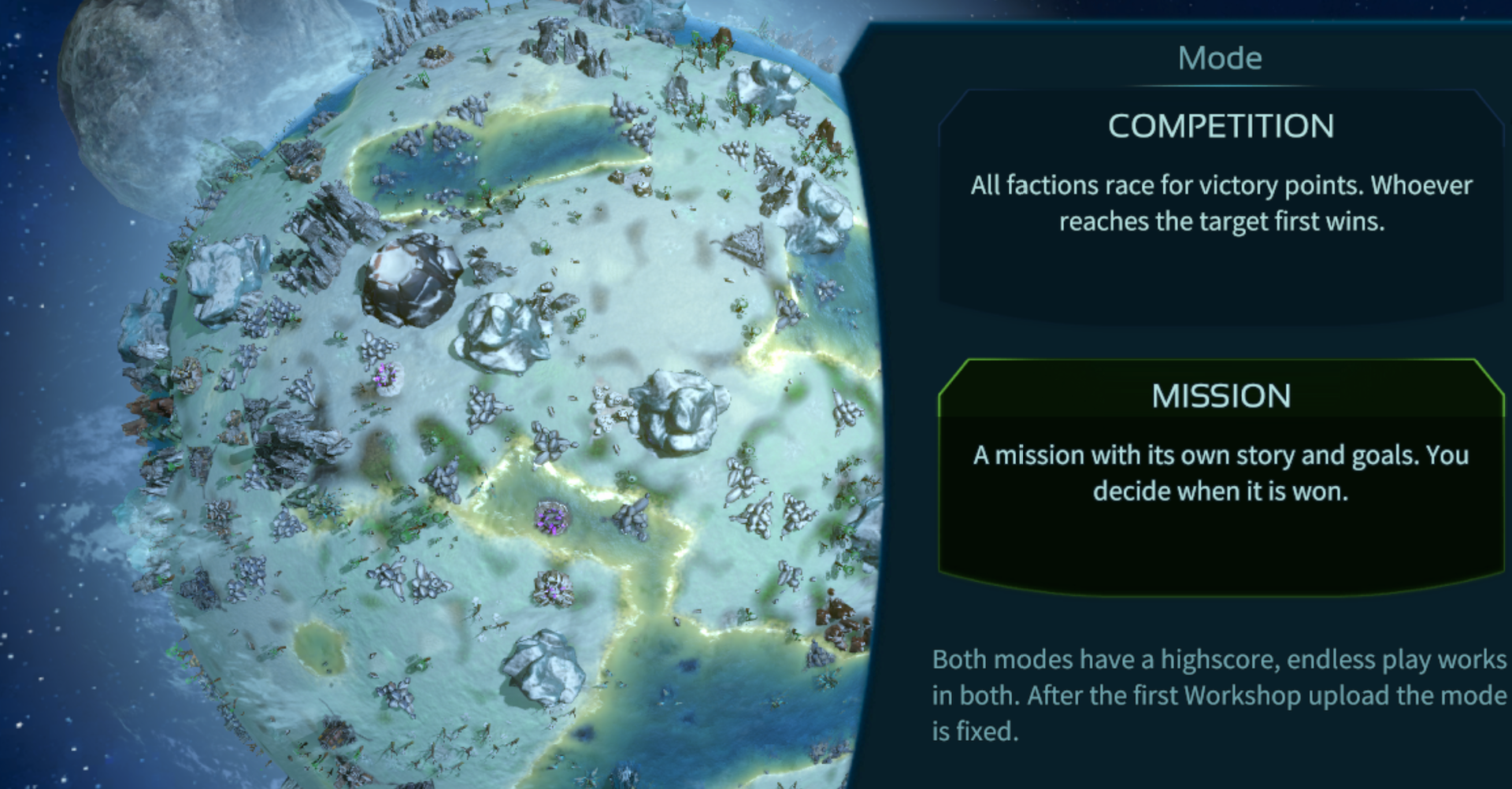
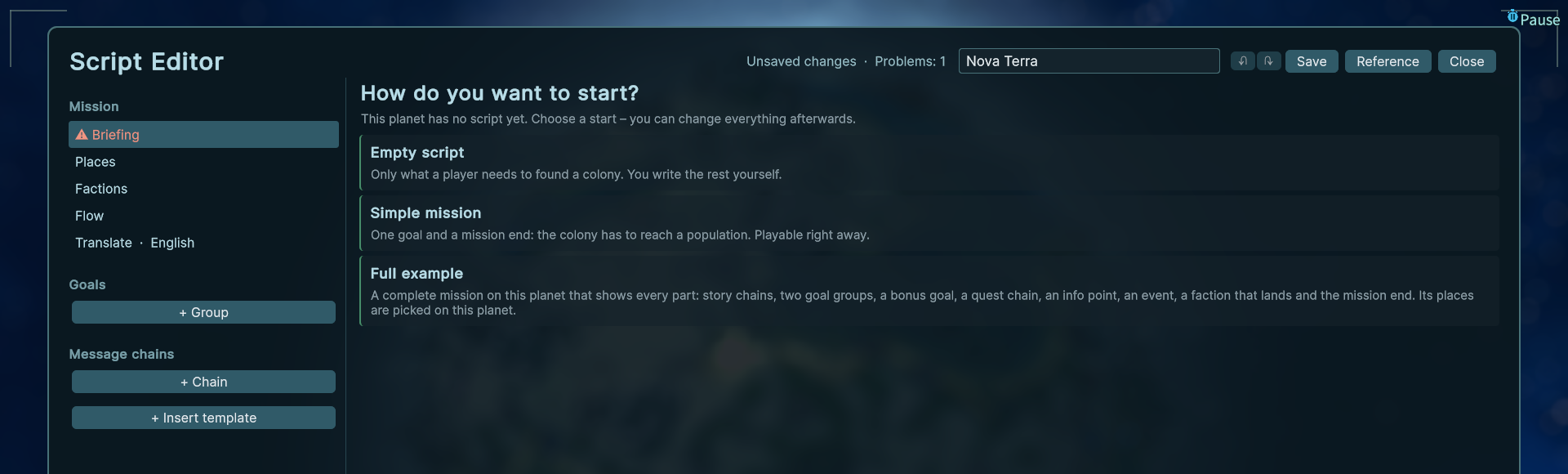
Build a planet and choose a game mode. In the Planet Editor, you decide whether your planet becomes a race for victory points or a mission with its own story. Then, inside the editor, you can open the Script Editor.
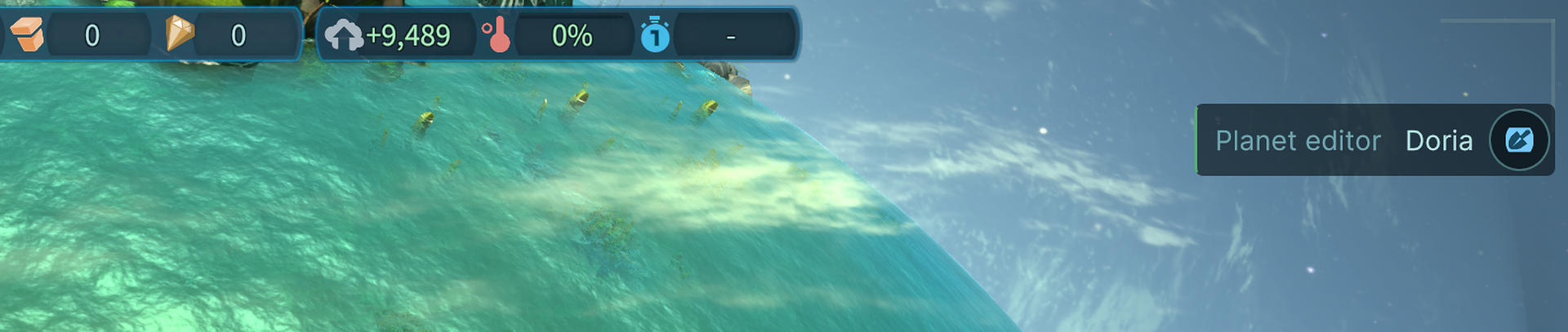
The new icon in the top right opens it. There, you write the briefing, assign objectives, and make messages pop up when something happens. If you don’t want to start from scratch, grab one of the templates:
- A treasure hunt across multiple locations
- A supply pod that lands after a few minutes
- a rival company that suddenly shows up on your planet.
You can simply click locations on the planet, name them, and you’re done—for example, a crash site, an ore deposit, or a crater that seems odd to Alia.
Test and Upload
With “Test,” you can playtest your mission right away. If you like it, you can upload it straight to the Steam Workshop. Your missions can then be played in the new “Custom Missions” menu.
It’s just the two of us, and we’ve been tinkering on this editor for a long time. Even so, you’ll probably come up with ideas we didn’t think of. Write to us about what’s missing, what’s clunky, and above all, what you’ve built. We can’t wait to see what stories about greedy corporations and drained planets you come up with. Have fun building!
Check out our detailed guide
 How to build and share your own missions
New Features
Skyscrapers
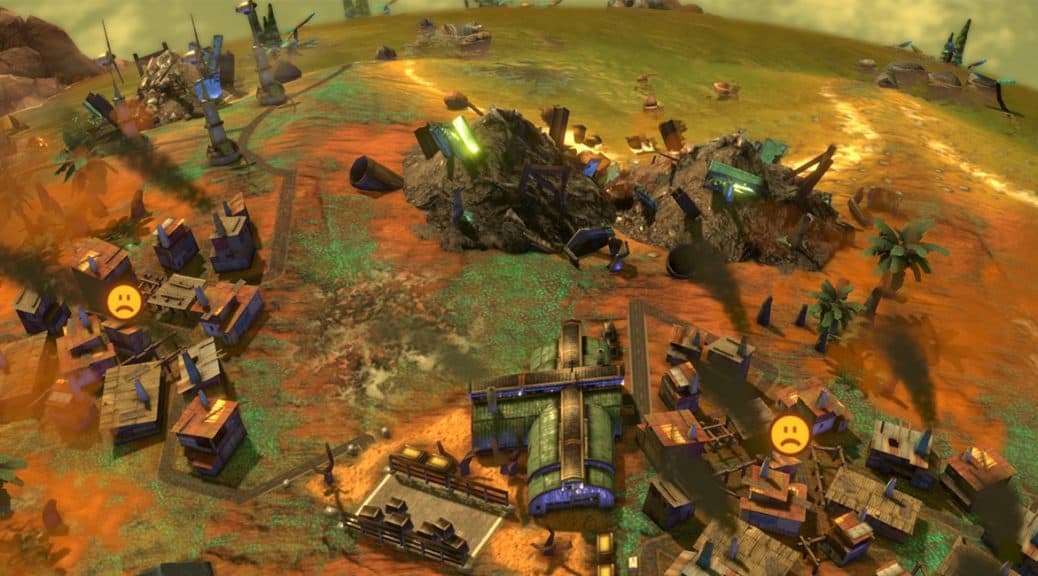
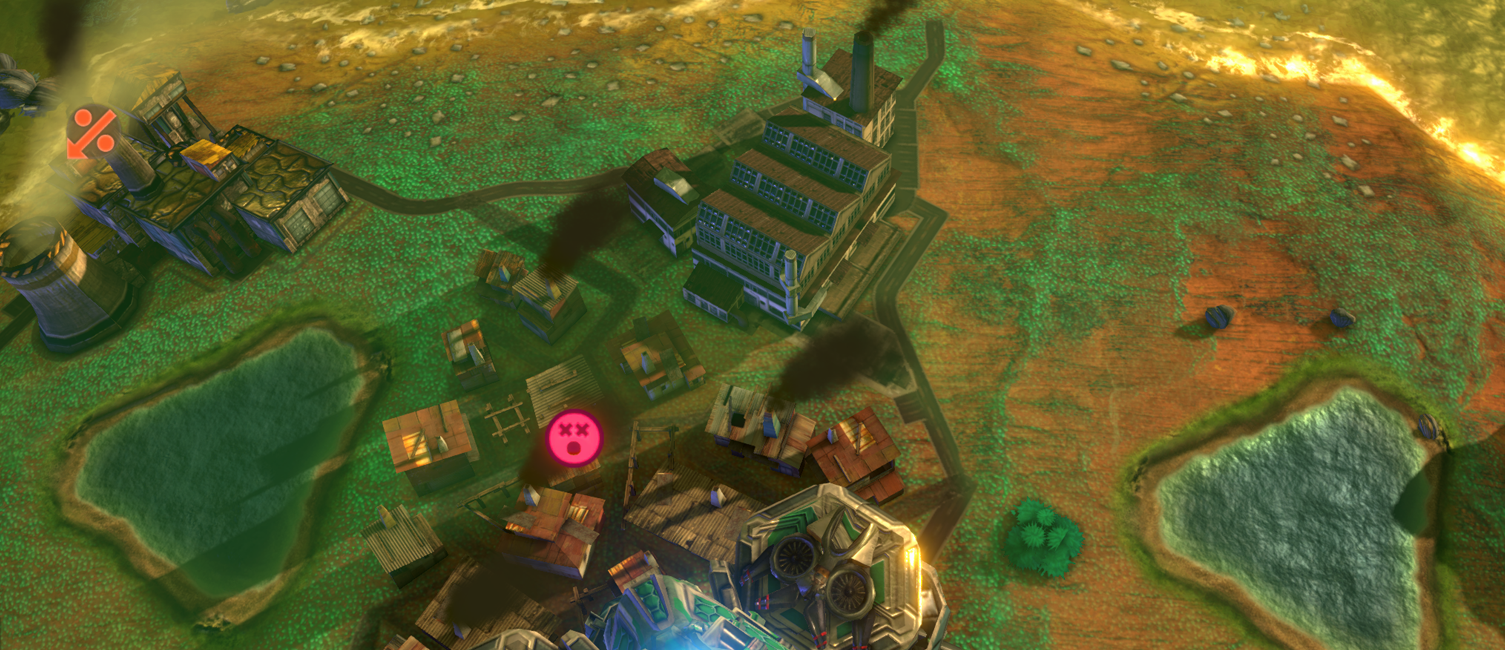
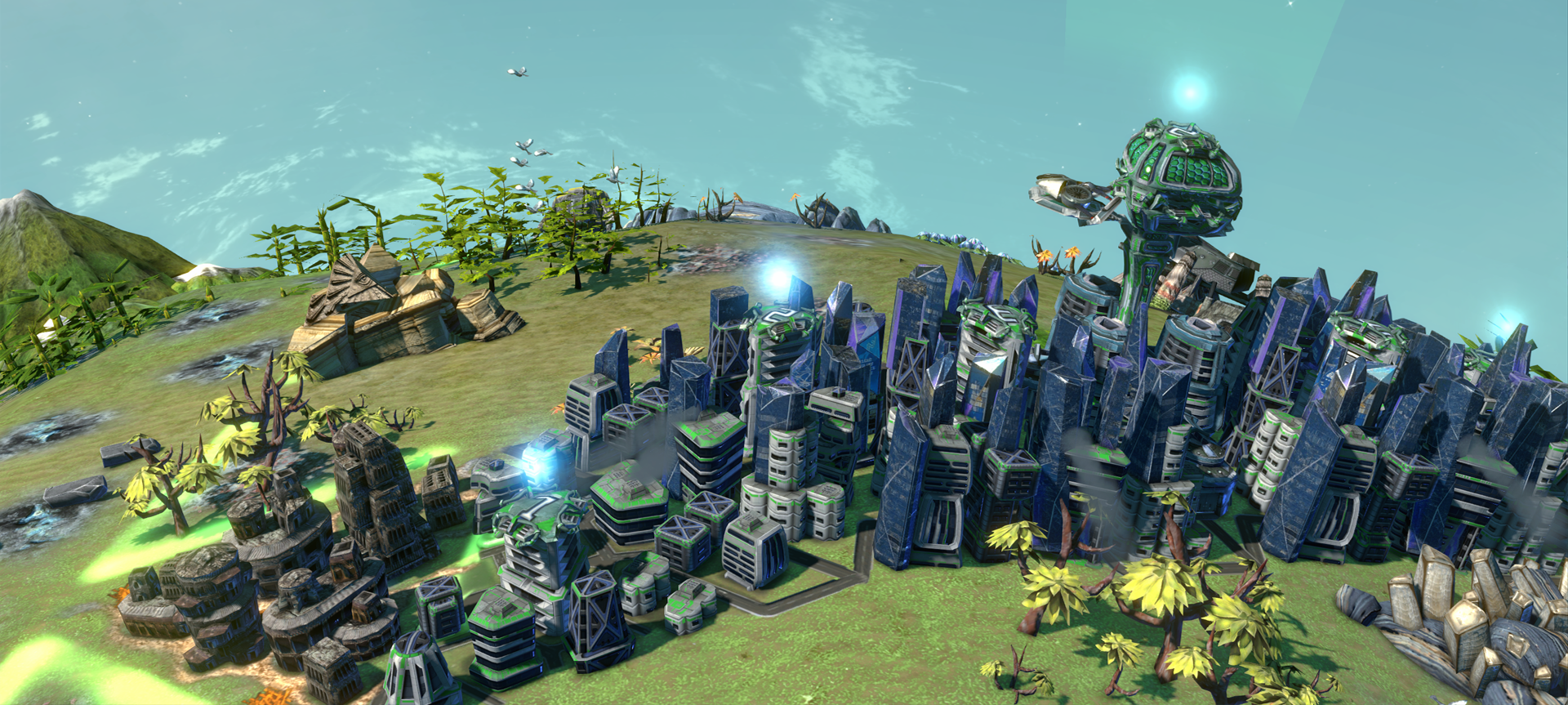
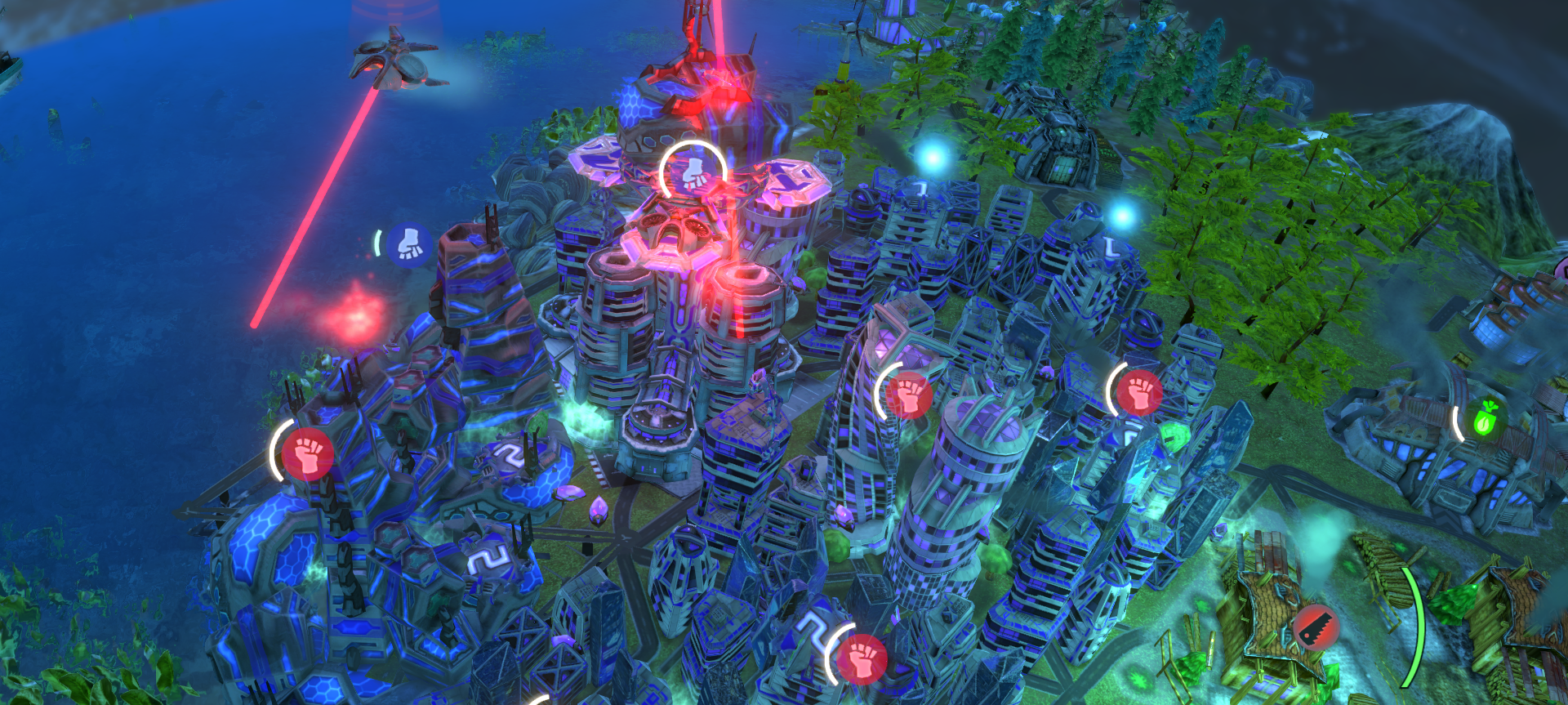
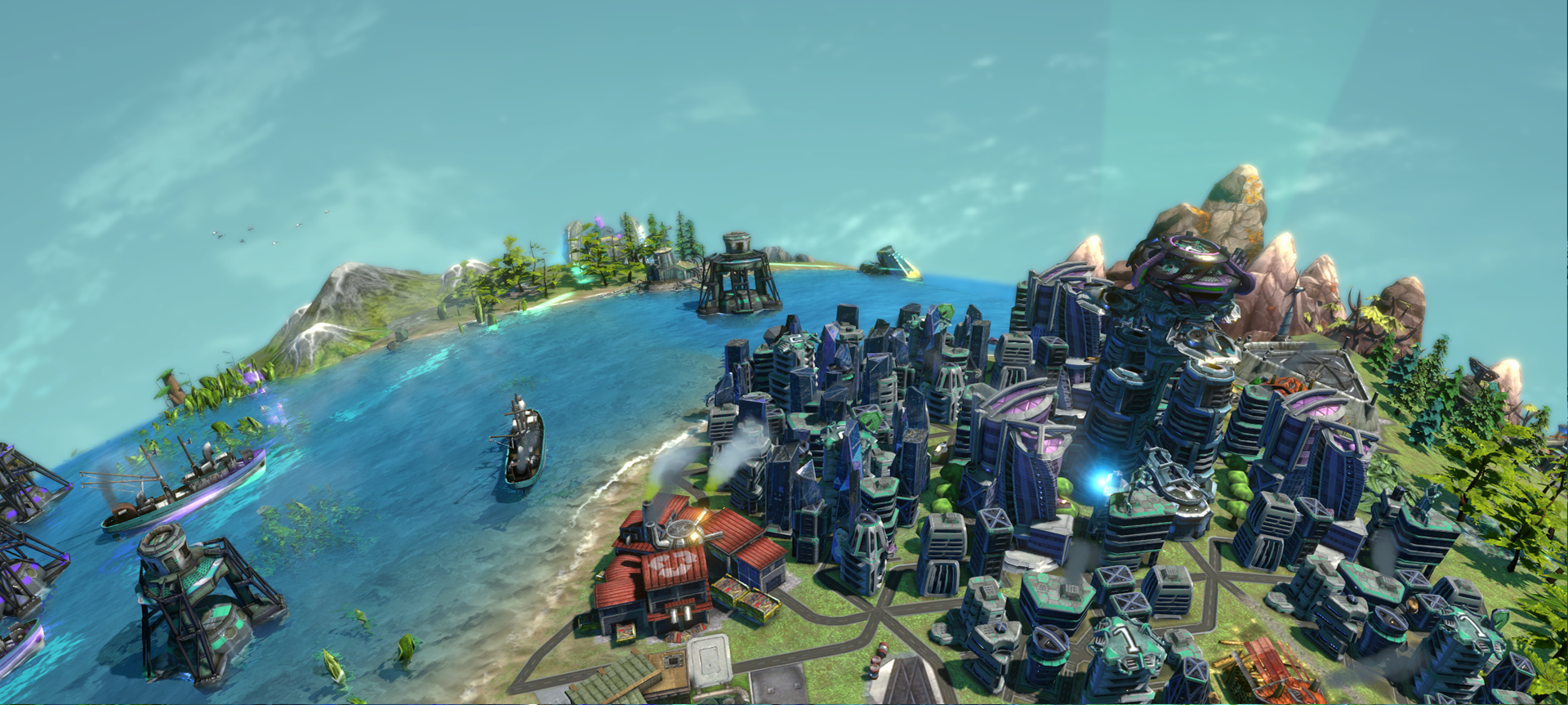
Higher leveled city districts do now have additional highrise buildings to make them look more dense and developed.
Main Menu and Challenge
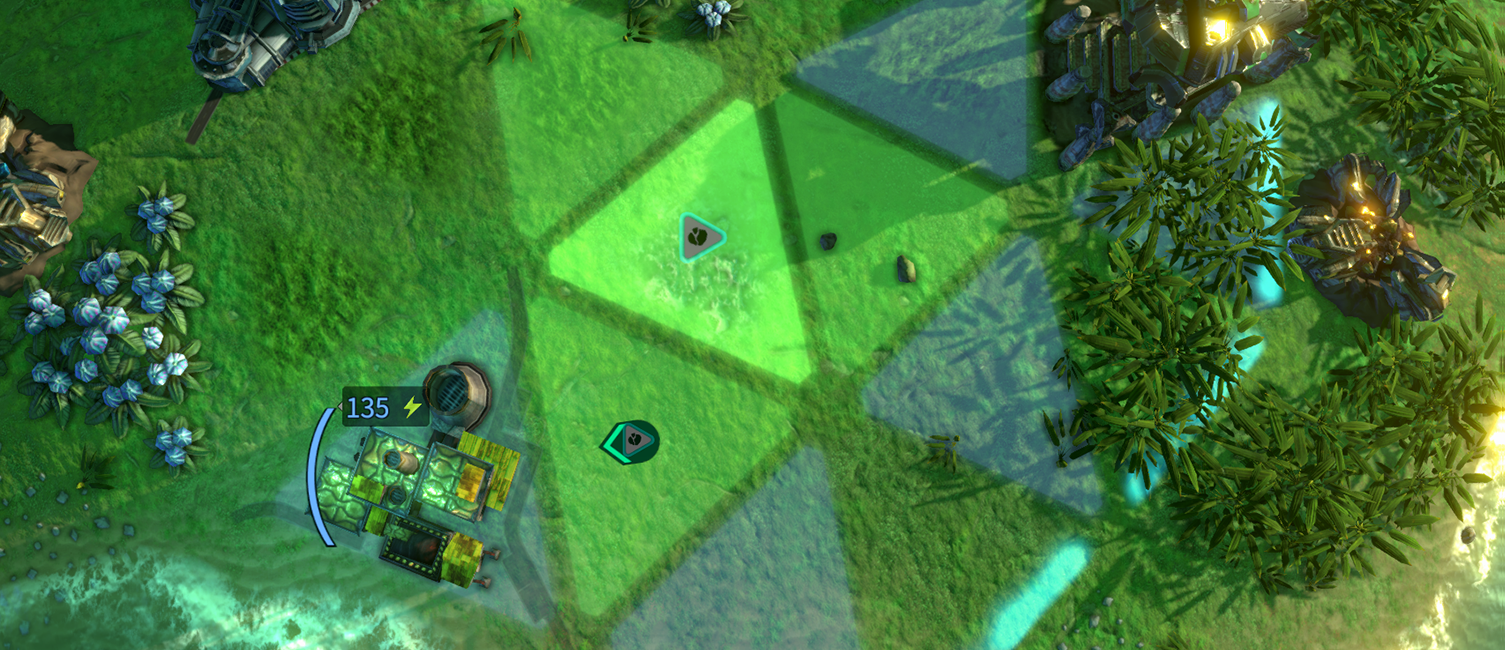
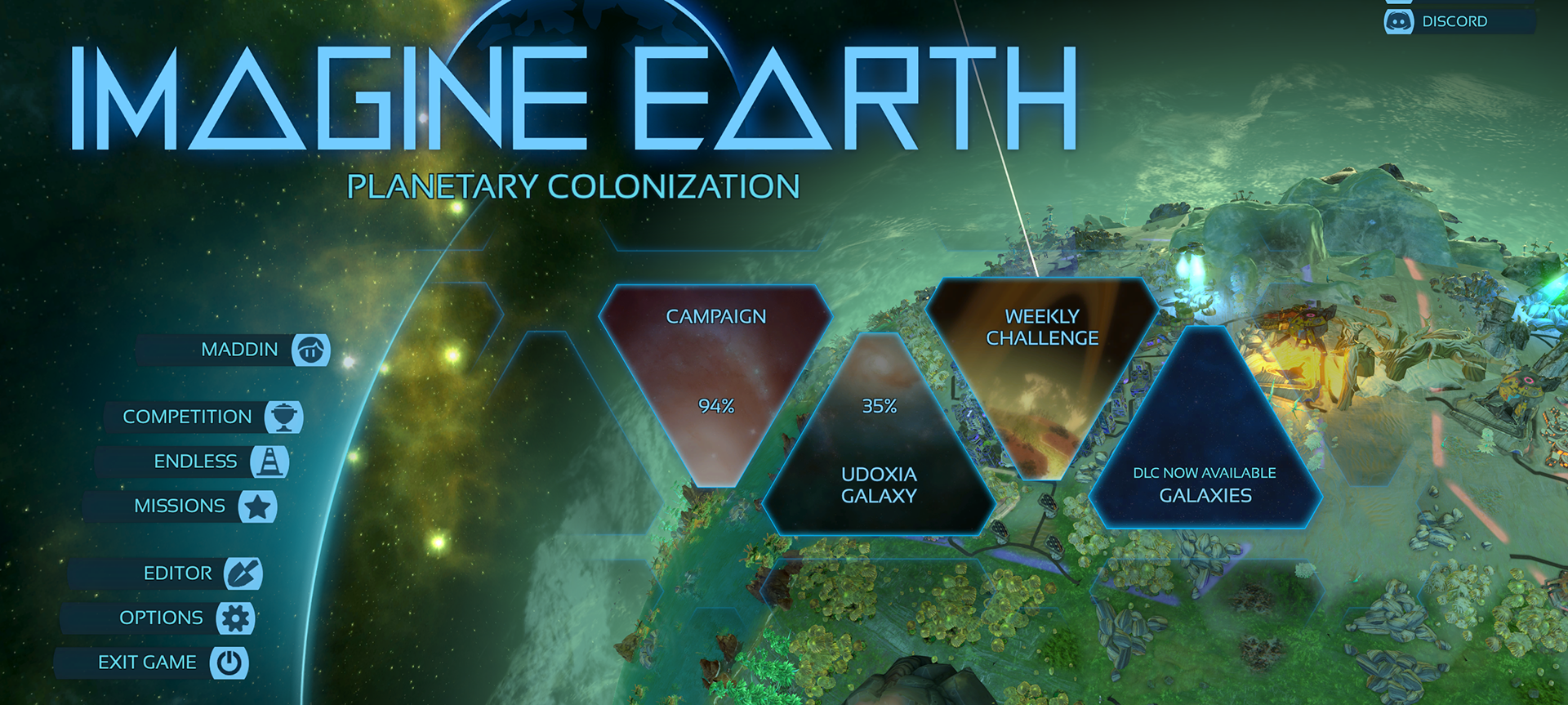
New Main Menu: The game modes now appear as triangles.
- Each triangle shows your progress in the respective game mode as a percentage.
- Challenge Ranking: If you’ve already completed the current challenge planet, the menu displays the ranking directly instead of the briefing. The Start button is also available there.
Demolish City Centers
In Free Play, Competition, and Challenge modes, you can now demolish your own intact city centers. This is helpful if you’ve taken over too many AI cities via stocks (a request from the Steam forum).
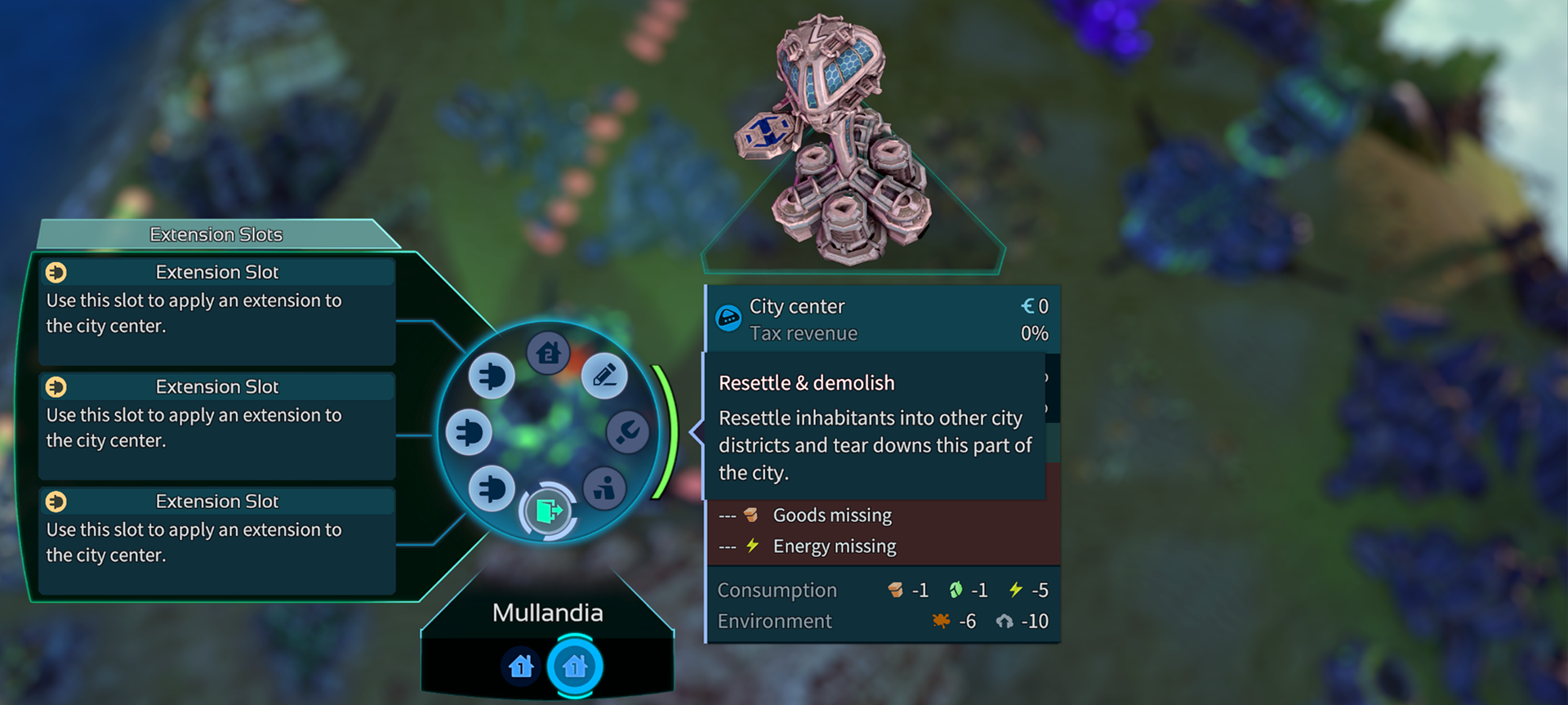
- The landing permission and the city’s territory are lost in the process, along with the residents of the districts that were tied exclusively to that city.
- A red preview shows which tiles will be affected beforehand.
- You cannot demolish your last city. Victory points for takeovers are retained.
- In missions, the old rule still applies: Only destroyed cities can be demolished.
Energy-Saving Mode
If the player is inactive for a while, the game lowers the frame rate and resolution. The next input immediately reverts this.
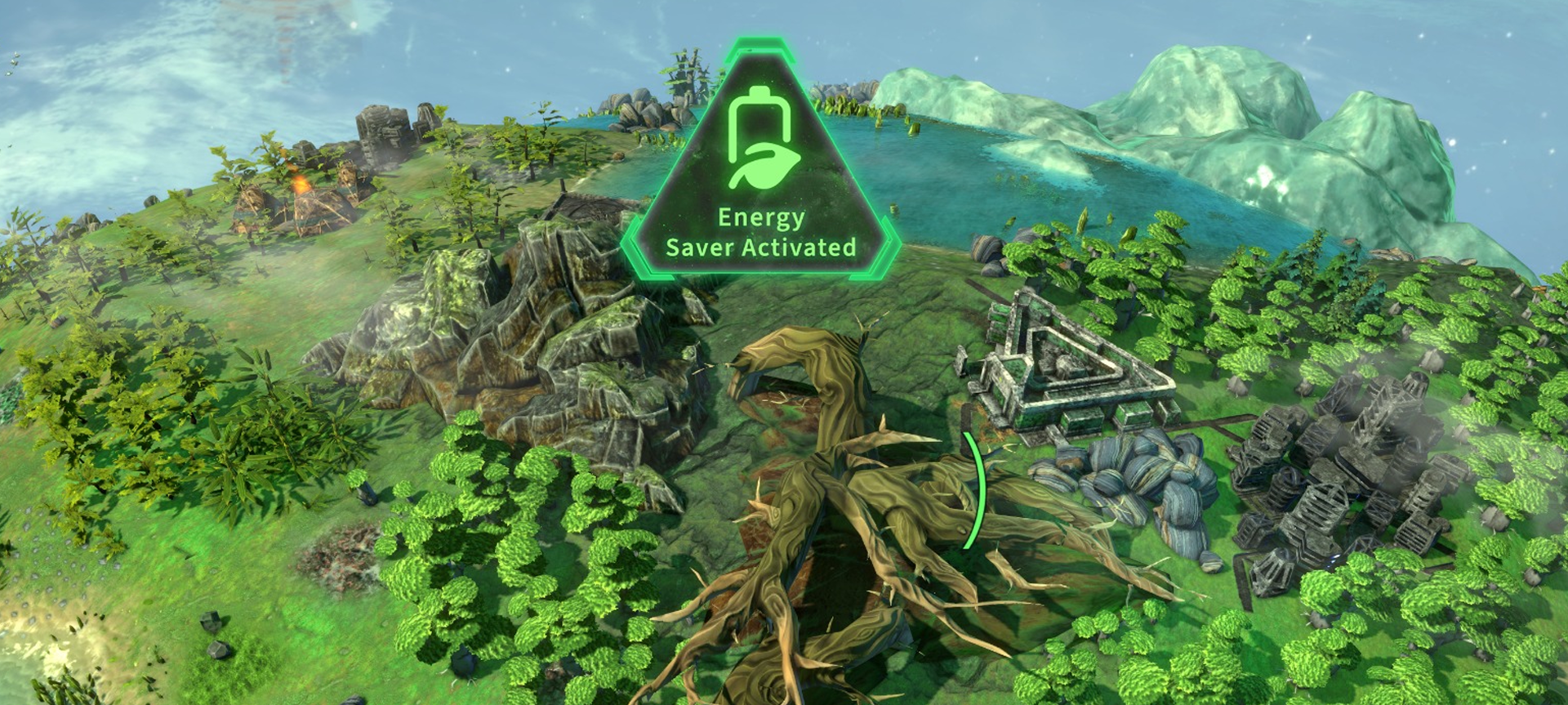
- It can be disabled in the Graphics tab and is enabled by default.
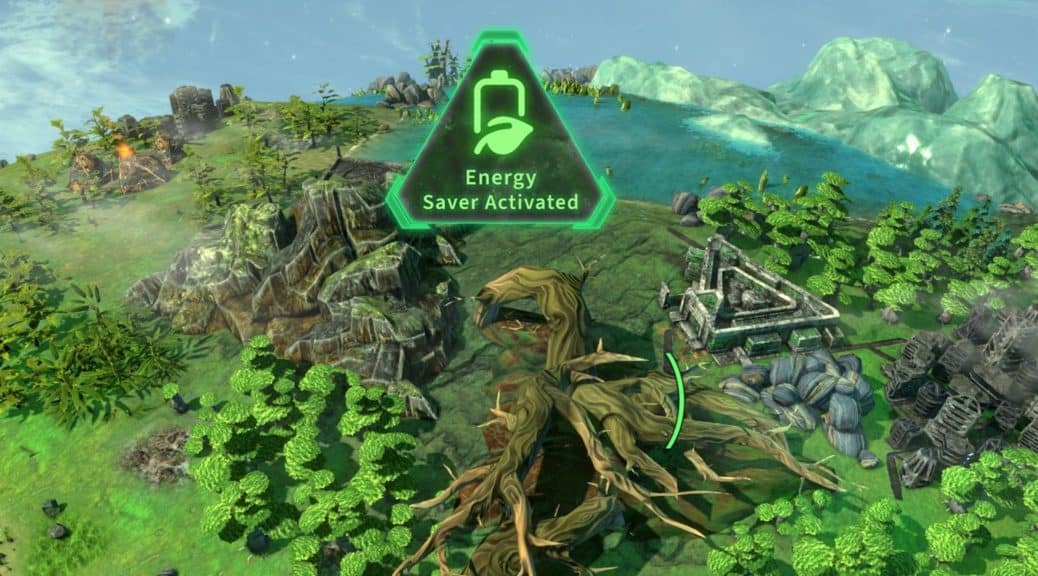
- As long as it’s active, an “Energy Saver Activated” badge indicates this.
- According to a study by the plugin author, this saves about 10–20% in power consumption.
Propaganda can end riots
When used in your own territory, Propaganda now ends ongoing unrest. In other factions’ territories, it triggers unrest as before. The item description has been updated and is now clearer.
Usability and Interface
- Messages stay on screen longer: The display time is now at least 5 seconds or 0.1 seconds per character. A 200-character message therefore remains on screen for about 24 seconds instead of 16 seconds.
- As long as the mouse hovers over the message, the timer pauses.
- During the last 3 seconds, a bar displays the remaining time.
- Money indicator warns earlier: It flashes red when your current balance is about to run out, rather than only when your account balance falls below 1,000.
- Loot instead of Plunder: The action is now called “Loot.” Drones take priority, so you no longer have to click them away from automatic harvesting.
- Tool ring is more consistent: “Examine” is always at the bottom left, “Clean” always at the bottom right—even in forests. “Tools” has been removed from the ring.
Stock screen
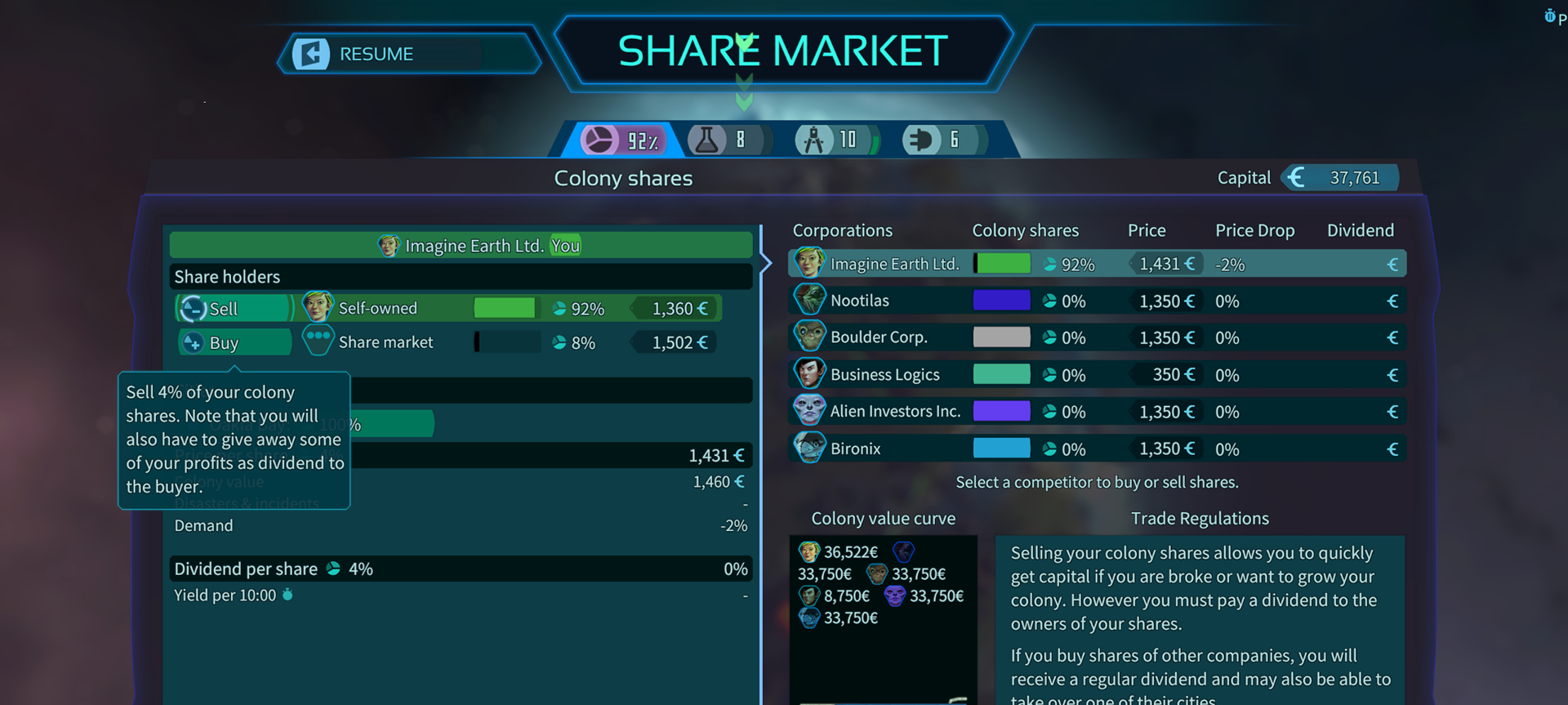
It’s mirrored, the Buy and Sell button are easier to hit, and prices are displayed in € instead of %.
- Tooltips in the building info panel: The icons for soil and air pollution now provide explanations when you hover over them.
- Population bar: It’s thicker and is also visible in the living space.
- Item count: The number in the item ring is now displayed in a round badge.
- Navigation Mode: Major objectives are no longer displayed there. They were confusing and showed incorrect values.
- “Randomly Generated Game”: This option no longer appears for Workshop and Editor planets, where it didn’t make sense.
Balancing and Game Behavior
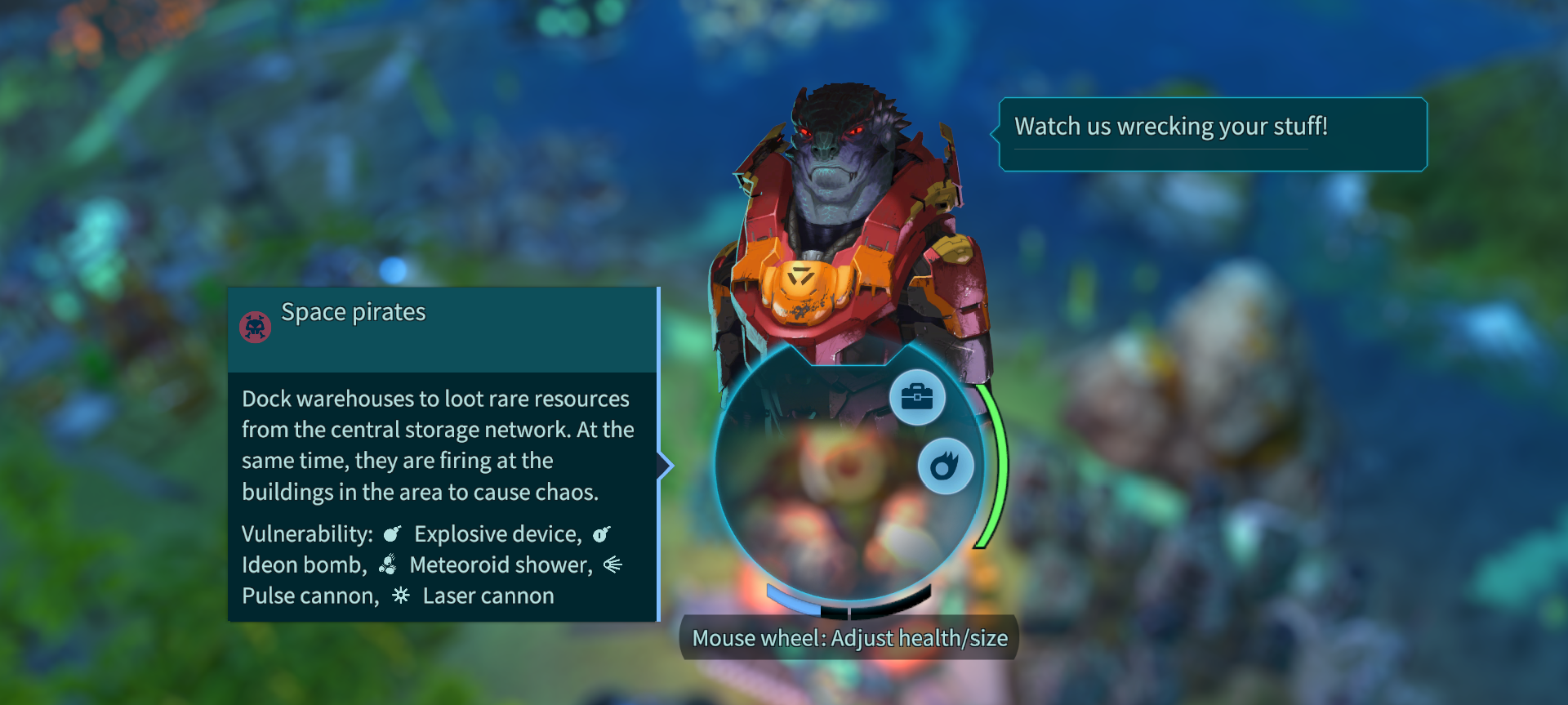
Assimilator and Pirates
They no longer attack the player who sent them. Pirates and Assimilators in the Game Rules: If they are disabled there, the AI will no longer send them.
- Ruins: They can be explored again. This feature had been accidentally broken (request from the Steam forum).
- Planet Tuto, Artifacts Objective: A dialog now automatically points out the alien ship. The objective is no longer tied to finding the ship and now requires only 100 artifacts instead of 120.
- Planet Editor: Emissions are correct again because not all research bonuses are active anymore.
Bug fixes from Steam reviews
- Music: Normal music plays again after the suspense music, even if the suspense music played first.
- Border Tower: It can now be hacked even while under repair. The owner will then receive a refund for the remaining money.
- Galaxies: Goods still in transit via the elevator at the end of the round are no longer lost.
- Galaxies Save Files: The latest save file for the current galaxy can no longer be deleted.
- “Warehouse Full”: The message now lists the goods that are actually filling the warehouse.
- Progress Bar: It doesn’t reach 100% until the objective is actually completed.
- Lorian: In old save files, the correct objective is now checked off.
- Chinese: The game title is now 幻想地球, matching the store name.
Thanks for reading and playing! Leave your feedback, what are you excited about, what are you missing?
Warm regards, Martin & Jens